Smart Fade
Adaptive blending intended to avoid abrupt stops and awkward song starts. Some transitions are still being tuned for different sources and queues.

Audio controls for listeners who want to know what their device is doing. We separate requests and diagnostics from claims about measured, bit-perfect hardware output.
This illustrative, multiband response-curve screen is a design direction for an upcoming equalizer interface. It is not a screenshot of the currently shipped app.
Deckamp already has parametric EQ preferences and output profile settings in development; this graphic represents the visual editing experience being considered.
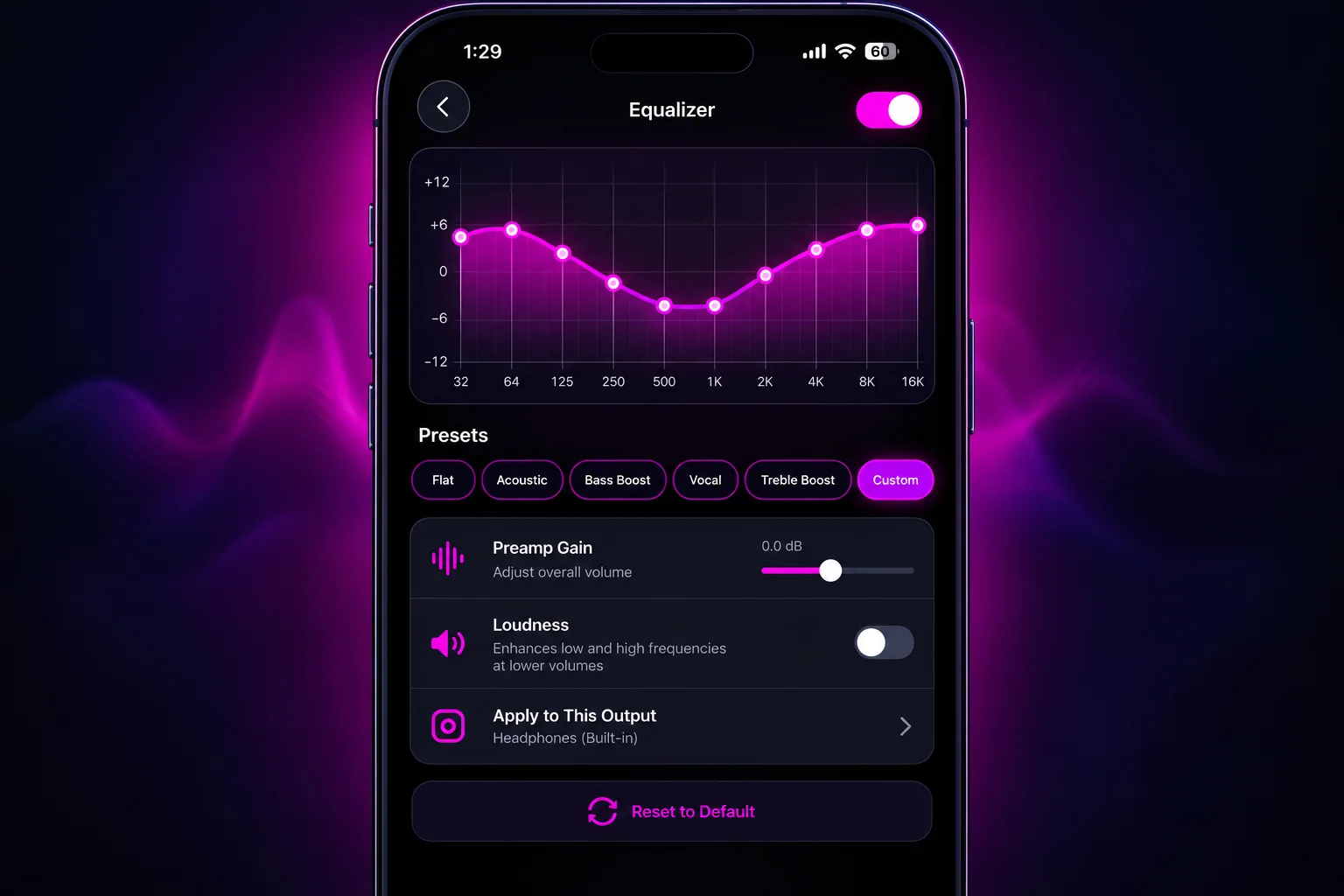 UI CONCEPT — NOT IN APP YET
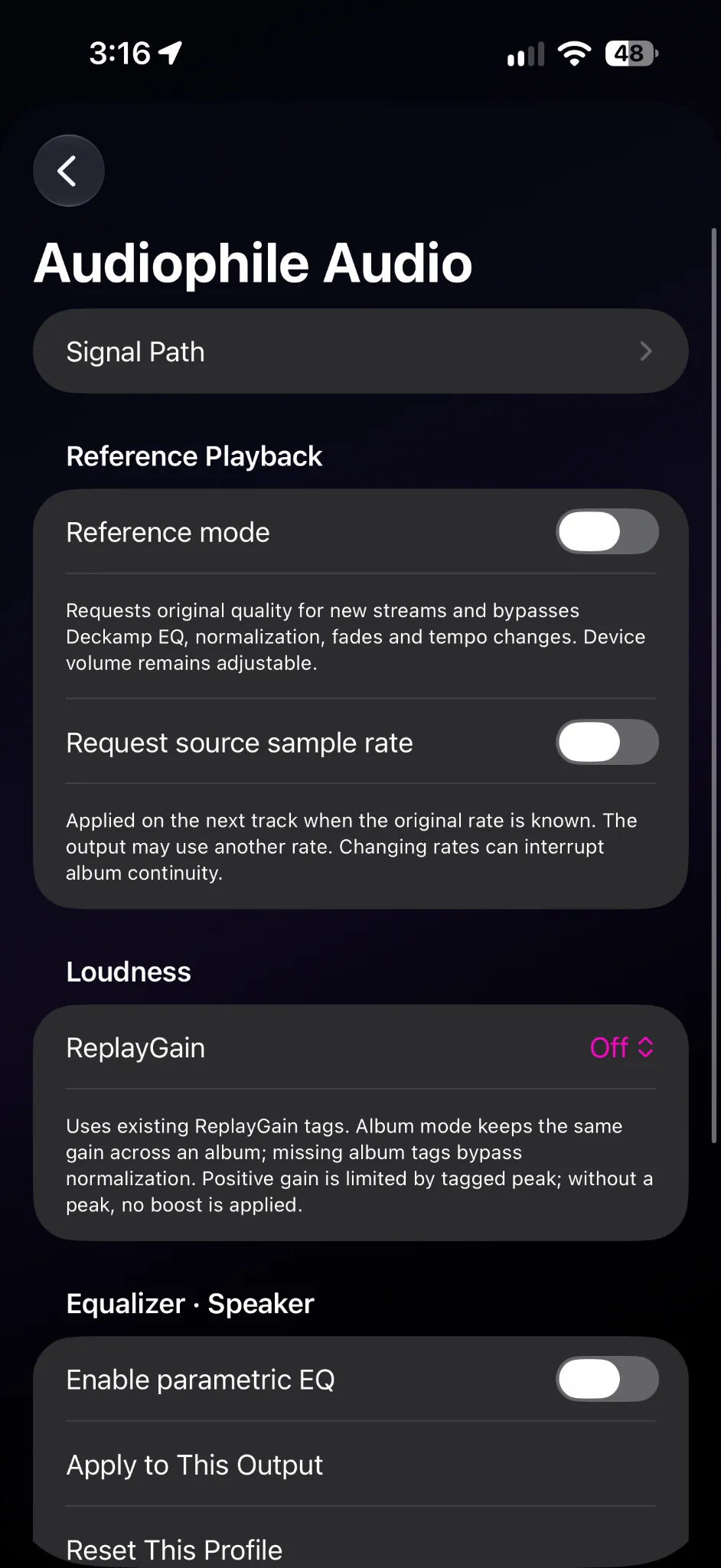
Reference Mode requests original quality and bypasses Deckamp EQ, normalization, fades and tempo changes for newly requested playback. Source sample-rate request is available where the underlying format and output are known.
Reference Mode is about reducing app-side processing—not an unconditional promise of bit-perfect audio through every iPhone output.
View the audio format reported by your library, the delivered asset, Deckamp processing, and the output route and session rate.
For example, 44.1 kHz source delivery and a 48 kHz system session can coexist. AirPlay and Bluetooth may process or resample. iOS does not certify final DAC bit depth or bit-perfect output from these fields.
Adaptive blending intended to avoid abrupt stops and awkward song starts. Some transitions are still being tuned for different sources and queues.
Beat-aware cue points, outro and intro estimation, overlap length and modest tempo matching aim to produce more musical handoffs. Features are experimental and depend on the playback backend.
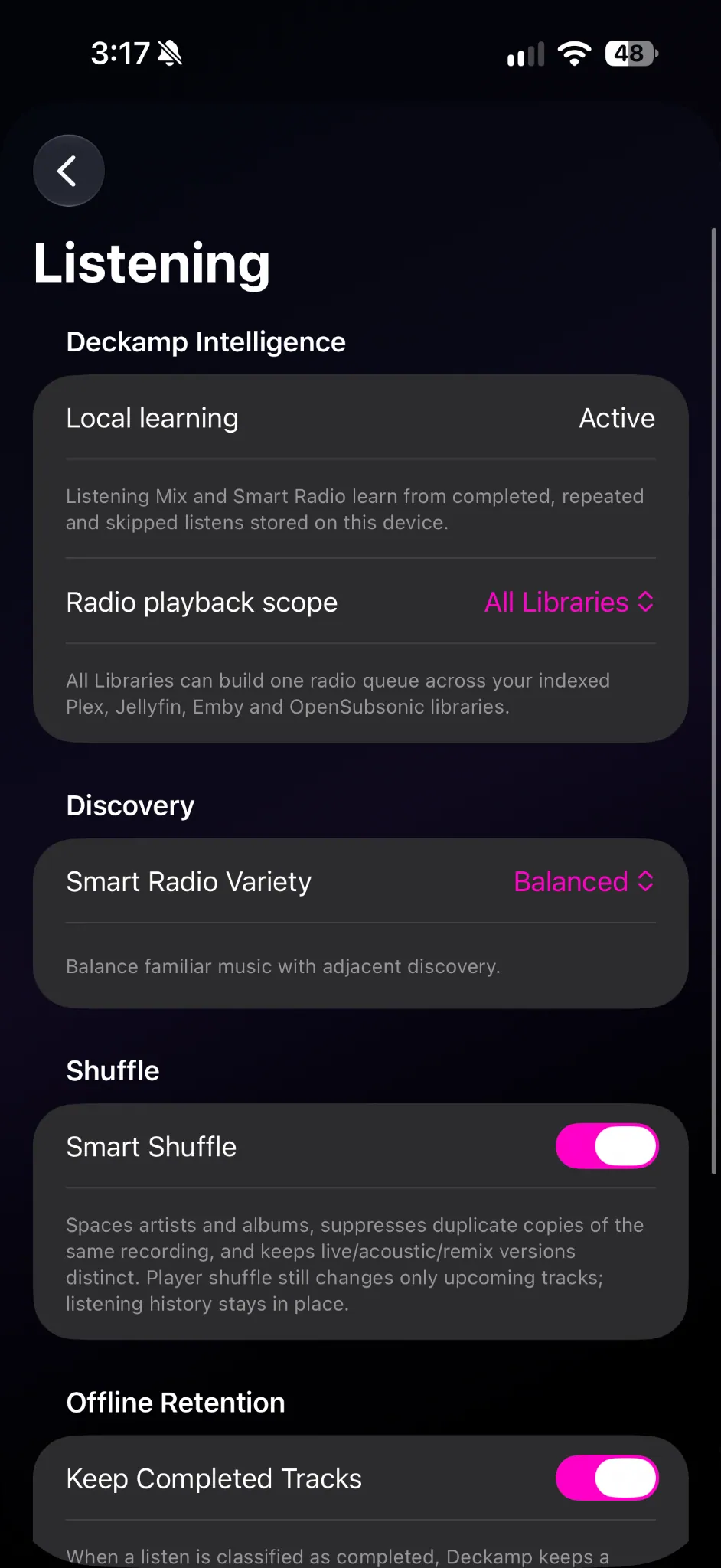
Deckamp can use library intelligence to suggest a song that fits what is playing, balancing taste, tempo and variety rather than purely random shuffle.
Apple Music's protected playback engine does not support the same custom audio-mixing path as local/personal-source AVPlayer playback. Available transitions can differ.
Wi-Fi, cellular conversion and buffering settings help manage playback when connectivity is limited. Offline caching and direct delivery remain subject to the source server.
Tagged ReplayGain values, parametric EQ and output-specific settings can make playback more consistent. These features alter the digital signal when enabled.